PullDownButton
A PullDownButton displays a menu of mutually exclusive options.
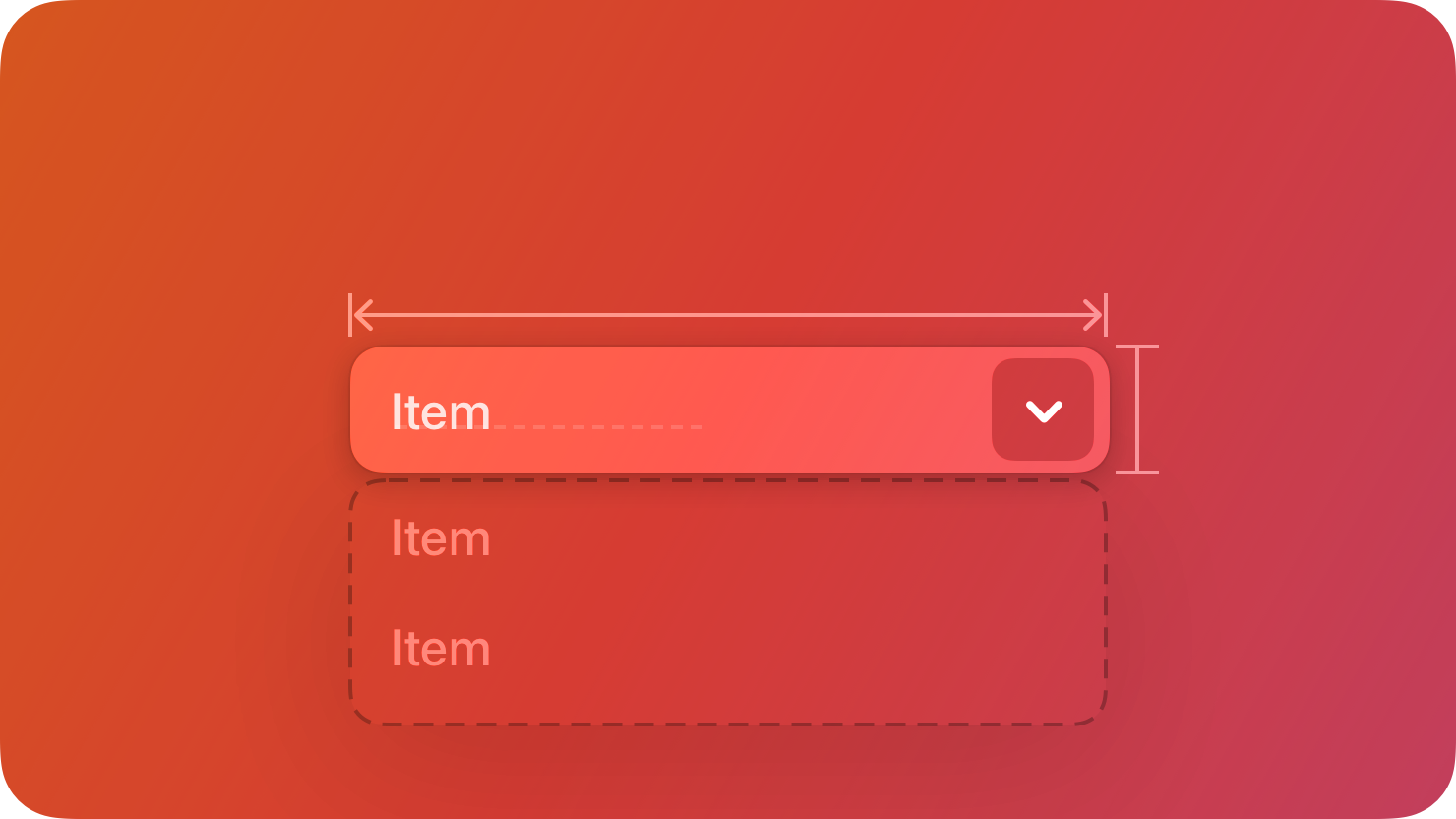
Summary
Properties
| Property | Type | Description |
|---|---|---|
Options |
{[number]: string}? |
You can use this table to pre-define options. Note that doing it this way will not give you access to the option instances themselves. |
Expanded |
boolean? |
Defines the state of the dropdown disclosure. |
Label |
string? |
Shows a label next to the disclosure button. Use it to describe the menu's content. |
Value |
number? |
The numeric index of the option to be selected. |
Anchor |
DropdownMenuAnchor? |
Overrides where the menu opens. |
View all inherited from BaseComponent
View all inherited from TextButton
Methods
| Method | Signature | Description |
|---|---|---|
Option |
(Name: string?) -> TextButton |
Can be used to seperately create options, use this if you want to access the option instances themselves. |
Remove |
(Index: number?) -> nil |
Can be used to remove options from the pull-down menu, this automatically removes it from the options list as well. |
View all inherited from TextButton
Events
| Event | Signature | Description |
|---|---|---|
ValueChanged |
((self: PullDownButton, value: number) -> unknown)? |
A Callback function that is triggered when the Value property has been modified. |
View all inherited from TextButton
Types
type DropdownMenuAnchorConfig = {
    Object: GuiObject?,
    Element: GuiObject?,
    Label: GuiObject?,
    Option: number?,
    Offset: Vector2?,
    XOffset: number?,
    YOffset: number?,
}

type DropdownMenuAnchor = GuiObject | DropdownMenuAnchorConfig

type PullDownButtonProperties = TextButton & {
    Options: { [number]: string }?,
    Expanded: boolean?,
    Anchor: DropdownMenuAnchor?,
    Label: string?,
    Value: number?,
    ValueChanged: ((self: PullDownButton, value: number) -> unknown)?,
}

type PullDownButton = BaseComponent & Components & PullDownButtonProperties & {
    Option: (Name: string?) -> TextButton,
    Remove: (Index: number?) -> nil,
}
Function Signature
Example
local pullDownButton = row:Right():PullDownButton({
    Label = "Action",
    Options = {
        "Action One",
        "Action Two",
    },
    ValueChanged = function(self, value: number)
        print("Action selected:", self.Options[value])
    end,
})

print(pullDownButton:IsA("TextButton")) --> true
print(pullDownButton.ClassName) --> "TextButton"
print(pullDownButton.Type) --> "PullDownButton"

local actionThree = pullDownButton:Option("Action Three")
pullDownButton.Value = 3 --> Action selected: "Action Three"

print(actionThree.ClassName) --> "TextButton"
pullDownButton:Remove(3)